All macOS icon locations
Start with one view of CoreTypes, system frameworks, app bundles, and user applications.
A focused macOS icon browser
Icon Finder brings scattered macOS system icons, application artwork, ICNS files, and Assets.car resources into one calm, searchable workspace.
macOS 13+ · Native SwiftUI app · Free and open source

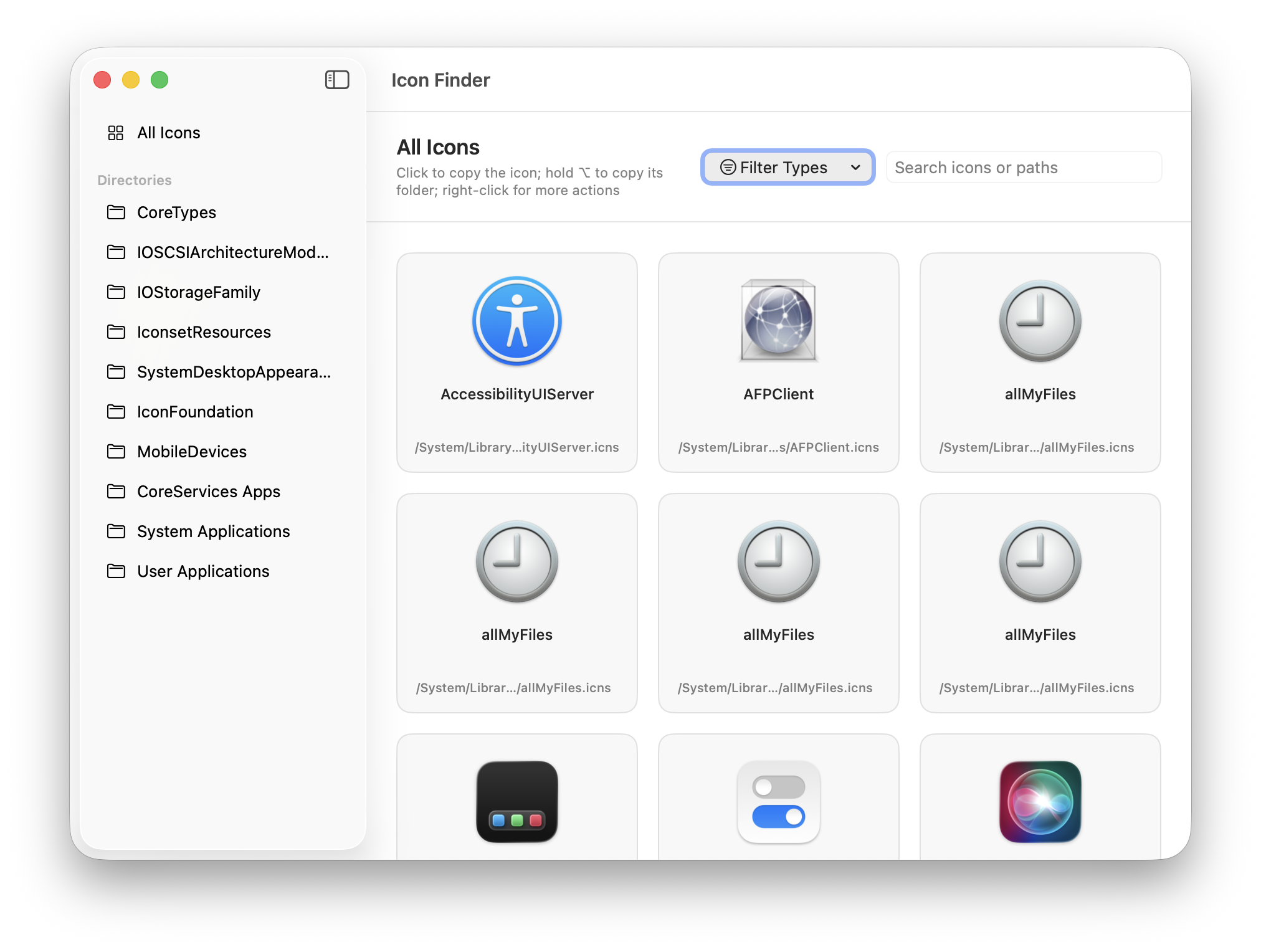
Everything in one place
Browse the locations that matter, keep the original paths visible, and copy exactly what you need without opening a dozen Finder windows.
Start with one view of CoreTypes, system frameworks, app bundles, and user applications.
Click an icon to copy the artwork. Hold Option to copy the containing directory path instead.
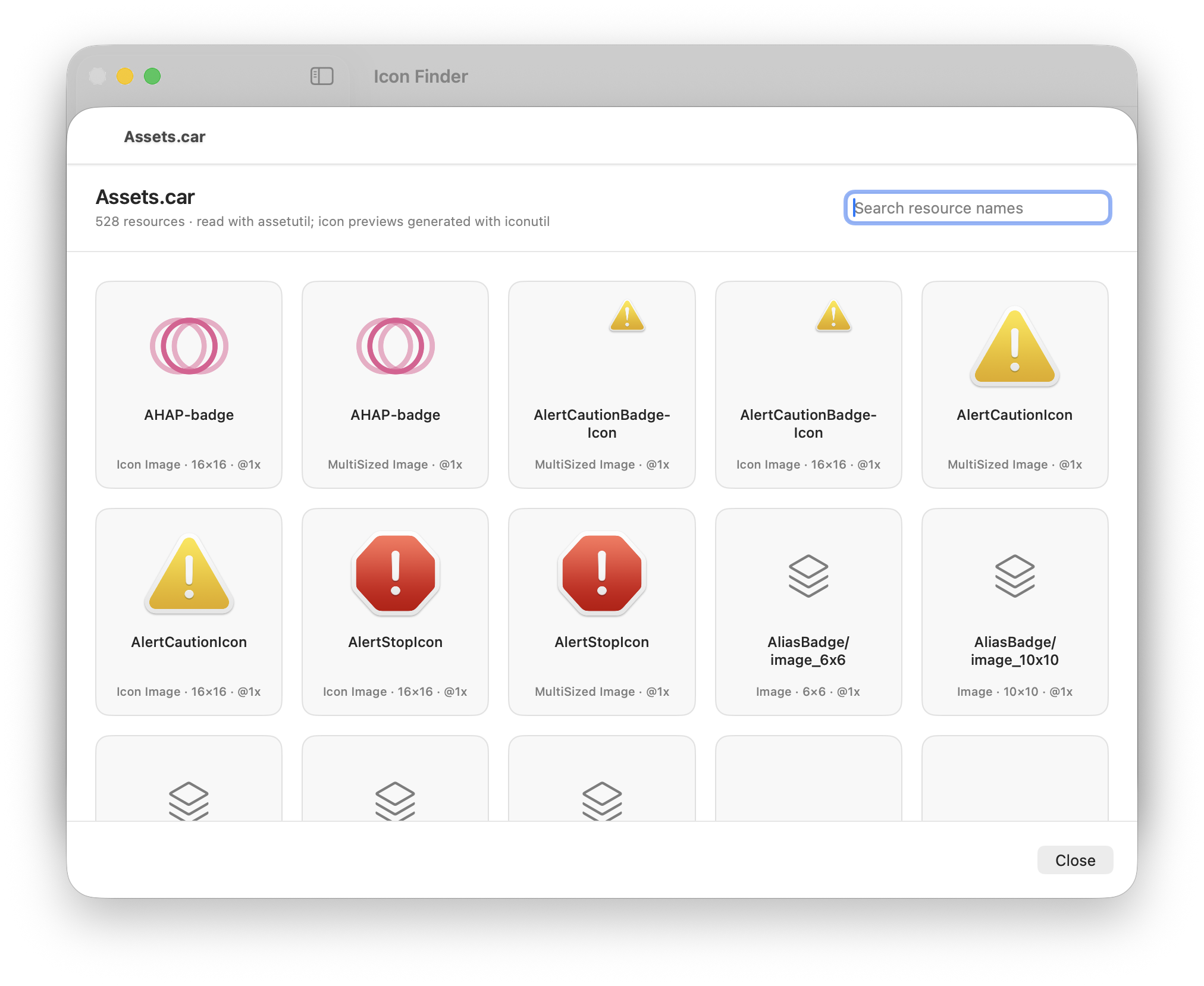
Read resource names with assetutil and generate useful icon previews without loading every PNG.
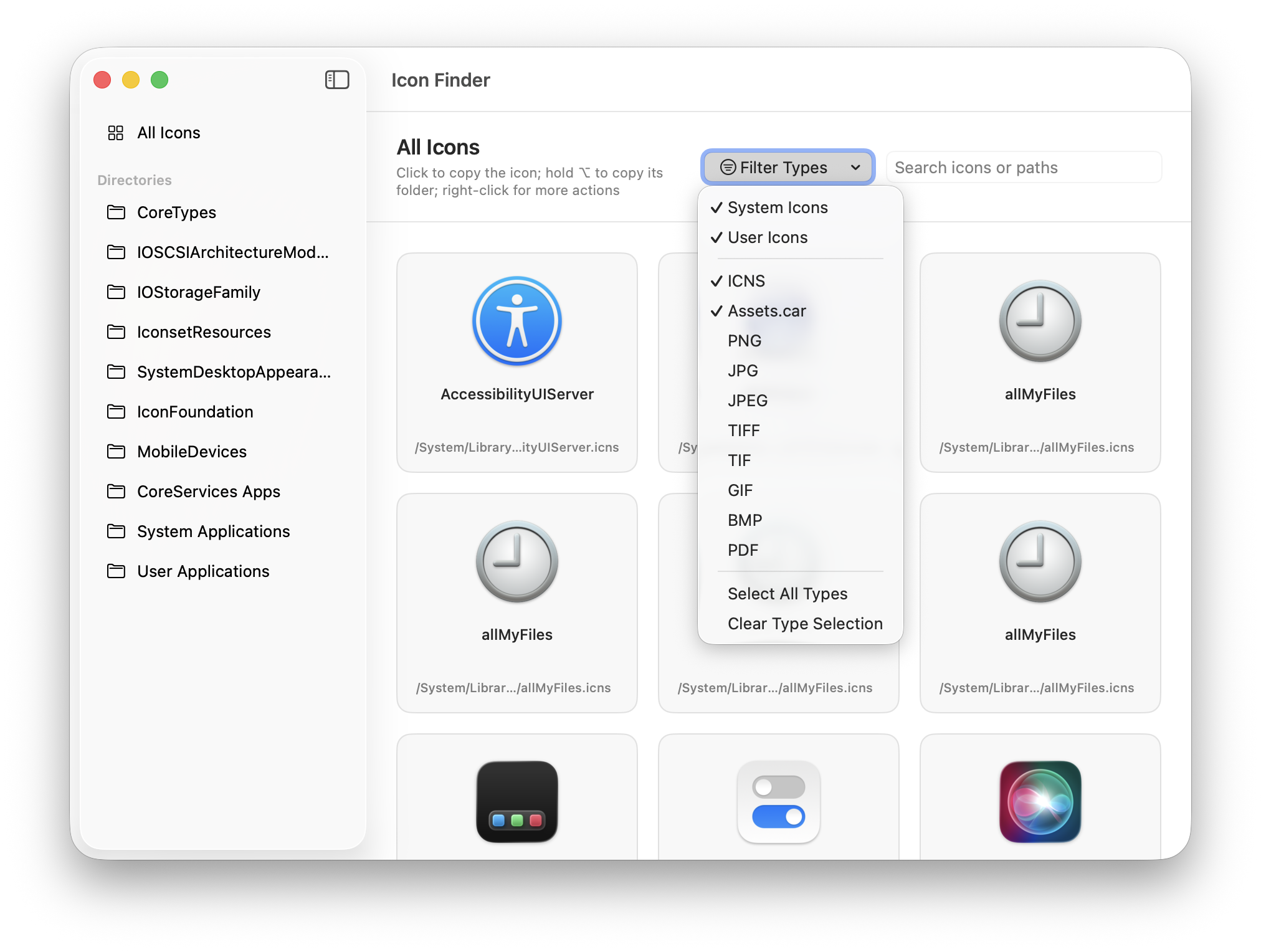
Narrow the browser by source, ICNS, Assets.car, and supported resource types.
A small workflow with a big payoff
Icon Finder is designed around the task you actually came to do: locate an artwork, copy it, and use it in your project or Finder customization.
Launch Icon Finder and begin on All Icons, with every configured directory in the sidebar.
Use the search field, directory sidebar, or View → Icon Filters to find the right resource.
Click to copy the icon itself, or hold Option while clicking to copy its original folder path.
The useful parts of Assets.car
When an app hides its artwork inside Assets.car, Icon Finder turns the catalog into a searchable visual browser. Resource names stay visible, previews stay focused, and the original location is never lost.
macOS resource map
The app includes the known macOS system directories plus system and user application resources, so you can search broadly first and narrow down when needed.
See every configured directory on GitHub ↗/System/Library/CoreServices/⌁/System/Library/Extensions/⌁/System/Library/PrivateFrameworks/⌁/Applications/*/Contents/Resources/⌁~/Applications/*/Contents/Resources/⌁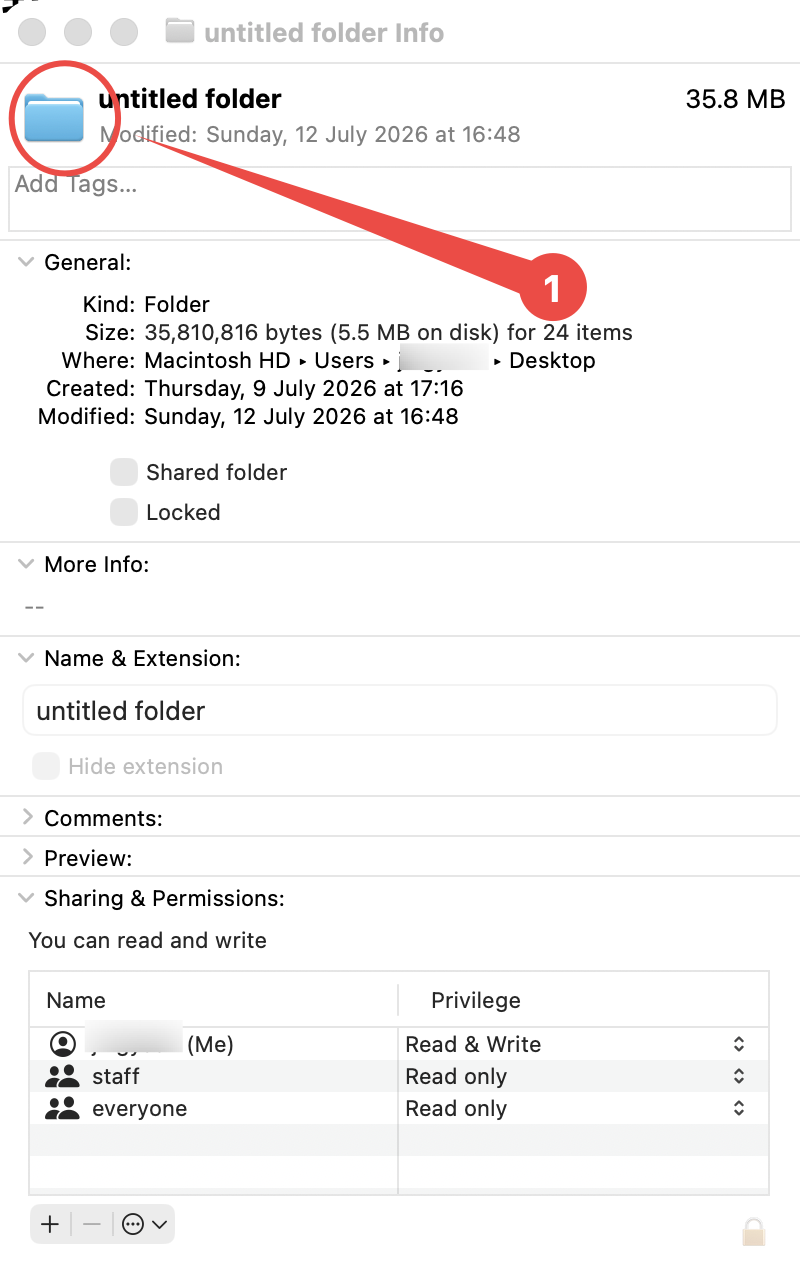
Use what you find
After copying an icon, Finder’s built-in Get Info workflow lets you apply it to a folder or app in a few seconds.
About the project
Icon Finder is an open-source macOS utility by Jingyuan Zheng. The project collects hard-to-remember icon locations and turns them into a focused tool you can keep nearby.

Jingyuan Zheng · developer, designer, and maker of small useful tools.
Personal homepage ↗Detailed guide
Read the full guide for every included directory, Assets.car context, and the Finder icon replacement workflow.
Read the blog post ↗Ready when you are
Visit the project page for the latest release, source code, directory details, and updates. If Icon Finder saves you time, a Star is always appreciated.
Open GitHub project↗Download packaged builds from the project’s Releases section.